


The solution slide is the moment a pitch deck stops being a story and starts being a plan. In a startup deck, this slide should clearly describe the solution you’re offering, show how it’s going to solve the problem, and make the “problem → solution → outcome” logic easy to follow—without turning into a product demo or a messy PowerPoint presentation.
This short how-to guide breaks down exactly what to include in a pitch deck solution slide, how to keep it concise, and how to make it work for real-world fundraising conversations with investors and VCs.
Context / Problem Slide
The problem statement isn’t there to warm people up. It’s there because anyone reading a pitch deck—founders, operators, investors—starts with the same question: what’s broken, who feels it, and how painful is it really? If that isn’t clear, the rest of the deck feels like speculation.
A common mistake is describing trends instead of pain. “The market is changing” sounds interesting, but it doesn’t create urgency. “Teams lose six hours a week doing this manually” does. Specific problems feel real. Vague problems feel optional.
This is why the structure explained in the problem slide in your pitch deck matters so much. The solution slide only works if the reader already agrees that the problem is concrete, frequent, and costly.
To ground the problem without overloading the slide or the article, one clear data point is enough:
- Teams spend X hours per week doing ___
- Error rates average Y%
- This creates $Z per month in avoidable cost
That single number becomes the anchor that gives weight to everything that follows.
Proposed Solution Slide
The solution slide is where people silently decide whether your startup is actually fixing something—or just making it look nicer. They don’t need to love it yet. They just need to understand it.

Think of the solution slide as a translation layer. It takes the problem you’ve just described and answers one simple question: what changes once this exists? Not in theory. In practice.
If the flow of your deck feels unclear, it usually helps to revisit what the solution slide is meant to do within the broader structure described in what an investor pitch deck is. It’s not a demo. It’s not a feature list. It’s a clear statement of intent.
A strong one-sentence solution summary often looks like this:
This solution slide explains how our product helps [target customer] solve [specific problem] by [clear mechanism].
After that, limit yourself to three core components. Three is enough to show depth without overwhelming the reader:
- One component that removes friction
- One component that replaces a broken workaround
- One component that makes the solution reliable at scale
The most important part is the mapping. When you show problem → solution → outcome, readers can follow the logic without effort. That’s what builds trust.
Value & Benefits For Your Investor Pitch Deck
This is where your solution starts to feel like a business instead of an idea. But it’s also where decks often go off the rails by switching to buzzwords.
Benefits land best when they’re framed as changes in outcomes, not adjectives. Faster, smarter, and better don’t mean much on their own. Reduced cycle time, fewer errors, and higher output do.
Limit this section to three benefits:
- Time: fewer steps, faster decisions, shorter cycles
- Risk or quality: fewer errors, fewer handoffs, more consistency
- Output: more throughput, higher adoption, better coverage
Then add one simple cost-benefit line to ground expectations:
- It costs X to implement and removes or reduces Y in recurring waste.
You’re not trying to close a deal here. You’re reducing uncertainty.
Implementation Plan
This section exists for one reason: people have been burned before. “Easy to roll out” is one of the most overused phrases in pitch decks, and readers have learned to be skeptical.
The goal of the implementation plan isn’t detail—it’s credibility.
A simple three-phase structure works well:
- Pilot: limited scope, clear success criteria
- Roll-out: expand to core workflows and users
- Scale: standardize, automate, and support edge cases
Then list two or three milestones with clear ownership:
- Pilot success metrics agreed — Owner: product or ops
- Roll-out completed — Owner: engineering or delivery
- Scale readiness confirmed — Owner: leadership or compliance
Finally, acknowledge dependencies and risks. Not as a disclaimer, but as proof you’ve thought about reality:
- Access to data or systems
- User adoption
- Integration complexity
If this section feels hand-wavy, it usually signals a gap that will resurface later in the deck.
Visuals & Design Guidance
The solution slide should be understandable in seconds. If it needs narration, it’s doing too much.
A simple visual structure works best:
- Problem → Solution → Outcome
One flow. One line. No branching diagrams.
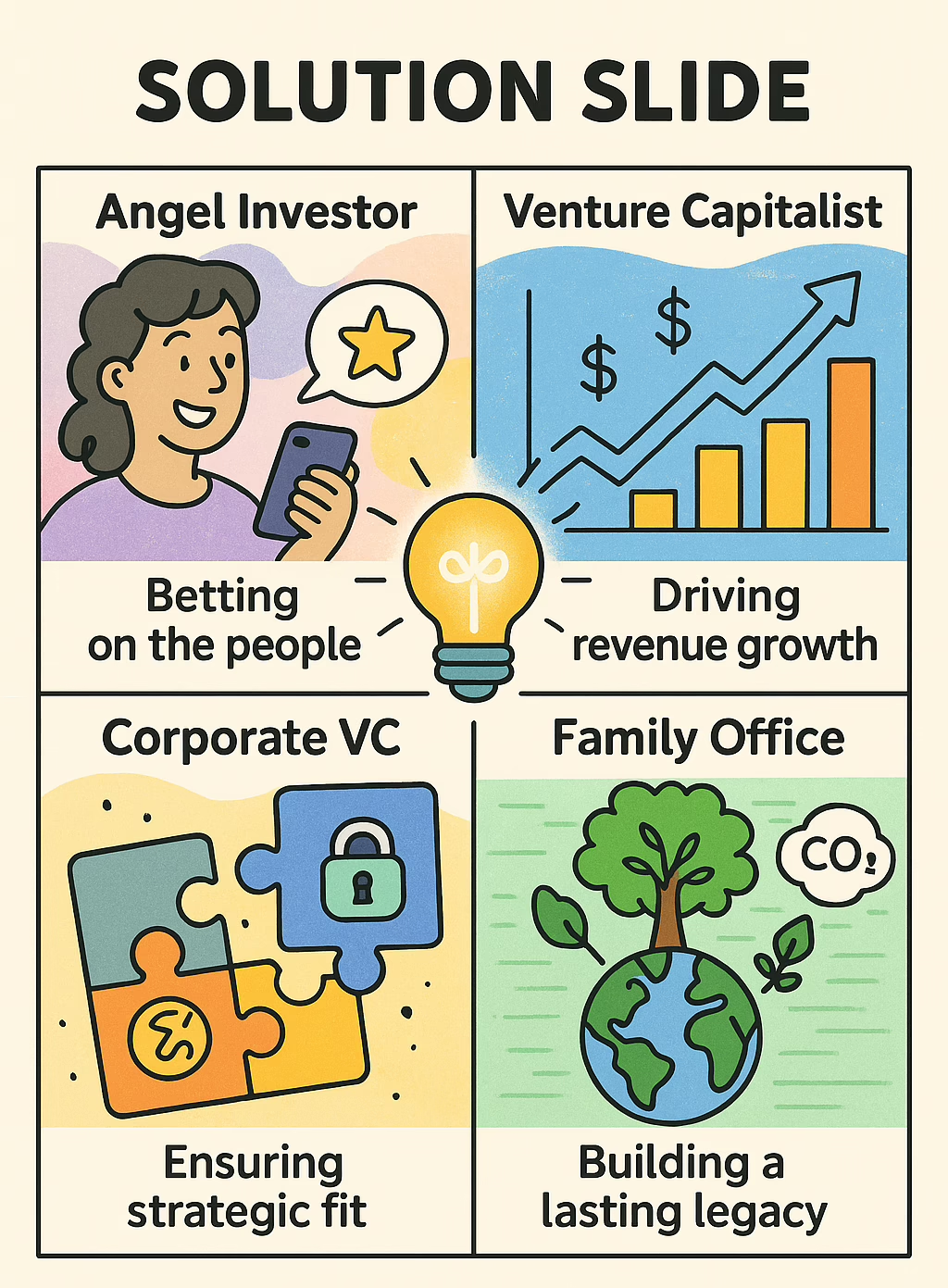
For data, choose one visual:
- A before-and-after comparison
- A single KPI callout
- A simple trend line
Layout matters more than decoration. A common, effective pattern is:
- Headline at the top stating what the solution does
- Bullets on the left
- Visual or KPI on the right
If you’re seeing clutter or repetition, it’s often caused by trying to say everything at once—something covered in deck mistakes that make your pitch look templated.
Supporting Evidence
The supporting evidence section exists because a solution slide without proof feels like a clean promise with no weight behind it. You’re not trying to “prove the whole business” here—that’s what traction and financials are for. You’re doing something simpler: showing the solution isn’t imaginary.
Keep the evidence tight and specific. One quote. One mini example. One or two numbers. If you dump a full case study here, people stop reading and start skimming for the next slide.
A clean format is:
- One short customer quote that describes the change in plain language (not praise).
- One mini case excerpt that anchors the context (who, what, what changed).
- One or two metrics that show movement (even early movement).
Example quote (usable template):
“Before this, we were doing ___ manually and it took ___ hours. After внедряваме the tool, it dropped to ___ and the handoffs basically disappeared.”
Example supporting metrics (pick one or two):
- Cycle time reduced by X% in a pilot group
- Error rate dropped from Y% to Z%
- Time saved: X hours per week per team
- Adoption: N active users within T days of rollout
If you want to add one more layer without bloating the section, use a single “why this matters” sentence that ties the evidence back to the problem:
- “This matters because it removes the recurring bottleneck described in the problem slide.”
Next Steps & Call to Action
This section shouldn’t read like a sales funnel. In a pitch deck context, a “call to action” is usually just a decision checkpoint: what needs to happen next for progress to continue.
Make it concrete and low-friction. People hate ambiguous next steps because it creates coordination work.
A strong next step usually fits into one of these:
- Confirm the pilot scope and KPIs
- Schedule a product walkthrough (focused on the use case, not features)
- Approve a budget band or implementation window
- Assign an owner for evaluation and rollout
Immediate next step (choose one):
- “Approve a 2–4 week pilot with agreed success metrics.”
- “Schedule a 30-minute walkthrough focused on the exact workflow described in the problem statement.”
- “Confirm the budget owner and rollout timeline so implementation planning can begin.”
Owner / follow-up
Keep this simple: one name or one role. Not “the team.” Not “sales@.” Someone accountable.
- “Owner: Head of Ops / Product Lead / Founder”
- “Point of contact: ___”
A clean next step reduces uncertainty. And reducing uncertainty is basically half of what pitch decks do.
Appendix / Backup Slides
Appendix slides are not “extra slides.” They’re pressure relief. They exist because the main deck needs to stay clean, while still allowing deeper questions to be answered without derailing the meeting.
Think of appendix content as a controlled rabbit hole: you only go there when someone asks.
Good appendix content for a solution slide usually includes:
- Extra metrics or data tables
- Technical details (only what’s relevant)
- Security/compliance notes (if applicable)
- Integration details (systems, APIs, workflow fit)
- FAQs that buyers always ask (time, cost, effort, risk)
Useful backup slide ideas (pick what applies):
- “Assumptions behind ROI and time savings”
- “Pilot scope: users, duration, success criteria”
- “Architecture overview: inputs → processing → outputs”
- “Integration points and dependencies”
- “Risk register: adoption, data quality, implementation effort”
- “FAQ: pricing model, support, onboarding, edge cases”
The rule: if it’s important but not essential for first-pass understanding, it belongs here.
FAQ
What is a solution slide in a pitch deck?
A solution slide explains how a startup intends to solve a clearly defined problem introduced earlier in the pitch deck. This slide describes the logic behind the solution, not the full product. This response pattern is closely tied to how people interpret clarity and intent under evaluation pressure, which shows up structurally in the pitch deck solution slide format.
How is the solution slide different from the problem slide?
The problem slide establishes the pain point and its consequences, while the solution slide explains how that problem is addressed. Together, they form a paired problem and solution structure that reflects how evaluators process information sequentially, a dynamic discussed further in problem–solution slide patterns.
What’s the difference between the solution slide and the product slide?
This is a common source of confusion. The solution slide explains how the problem is addressed, while the product slide shows what exists. The difference between the solution and the product becomes clearer when viewed through how audiences distinguish intent from implementation, a distinction that also appears in how value proposition slides are structured.
Why does the solution slide matter so much in fundraising decks?
In fundraising contexts, the solution slide is where evaluators assess whether the startup’s response to the problem is coherent and plausible. This reflects broader patterns in how people evaluate risk and feasibility during the fundraising process, long before financials or traction are considered.
How detailed should a solution slide be?
A solution slide is typically concise by design. It outlines the solution without overwhelming the reader with features or technical depth. This preference for simplicity aligns with the broader cognitive principle of reduction discussed in the art of simplification.
Can the solution slide include visuals or diagrams?
Yes. A solution slide may include a simple visual or diagram if it helps communicate how the solution works. Visual clarity plays a role in how information is absorbed and remembered, a pattern also visible in using diverse visuals to improve pitch decks.
How do investors typically interpret a solution slide?
Investors tend to interpret the solution slide as a signal of how clearly a founder understands the problem space. This interpretive behavior aligns with broader cognitive biases explored in cognitive biases in pitching, where clarity reduces perceived uncertainty.
Should the solution slide mention traction or results?
Light evidence may appear on the solution slide, but deeper proof is usually reserved for later slides. This separation mirrors how evaluators expect structure to unfold across a deck, particularly between solution and traction and growth slides.
How does the solution slide connect to the rest of the pitch deck?
The solution slide acts as a bridge between the problem and subsequent slides like go-to-market, traction, or revenue. This sequencing reflects how decks are cognitively scanned, a pattern that becomes explicit when comparing short and long formats in short vs. long pitch deck structures.
Is the solution slide different for SaaS, marketplaces, or other startups?
While the core logic remains the same, the way the solution is expressed can vary by business type. For example, SaaS companies often emphasize workflow change, while marketplaces focus on matching dynamics. These variations are structurally visible across sector-specific guides such as the SaaS pitch deck guide.
Do non-technical audiences read the solution slide differently?
Yes. Non-technical audiences tend to focus on outcomes rather than mechanisms. This response pattern is explored further in pitch decks for non-technical investors, where solution clarity matters more than implementation detail.
Is the solution slide still relevant in 2024?
Yes. Despite changes in tools and formats, the solution slide remains one of the first places where evaluators form an opinion about whether a startup’s response to a problem is credible. Even as decks evolve, the cognitive role of the solution slide remains stable, as discussed across modern pitch formats in what an investor pitch deck is.
Does every pitch deck need a solution slide?
Yes. Regardless of industry or stage, every pitch deck needs a solution slide because every evaluation process looks for a clear response to a stated problem. Without it, the deck lacks structural closure between problem identification and execution logic.
